Klavierlicht
Learn piano with a falling light card that shows you the next key and the finger to use.
Now on the App Store for iPad and Mac

An iPad and Mac app by Philip Krieger, the maker of SAM. It is not a SAM device and not a Max for Live device: it runs on its own and needs no Ableton Live.
-
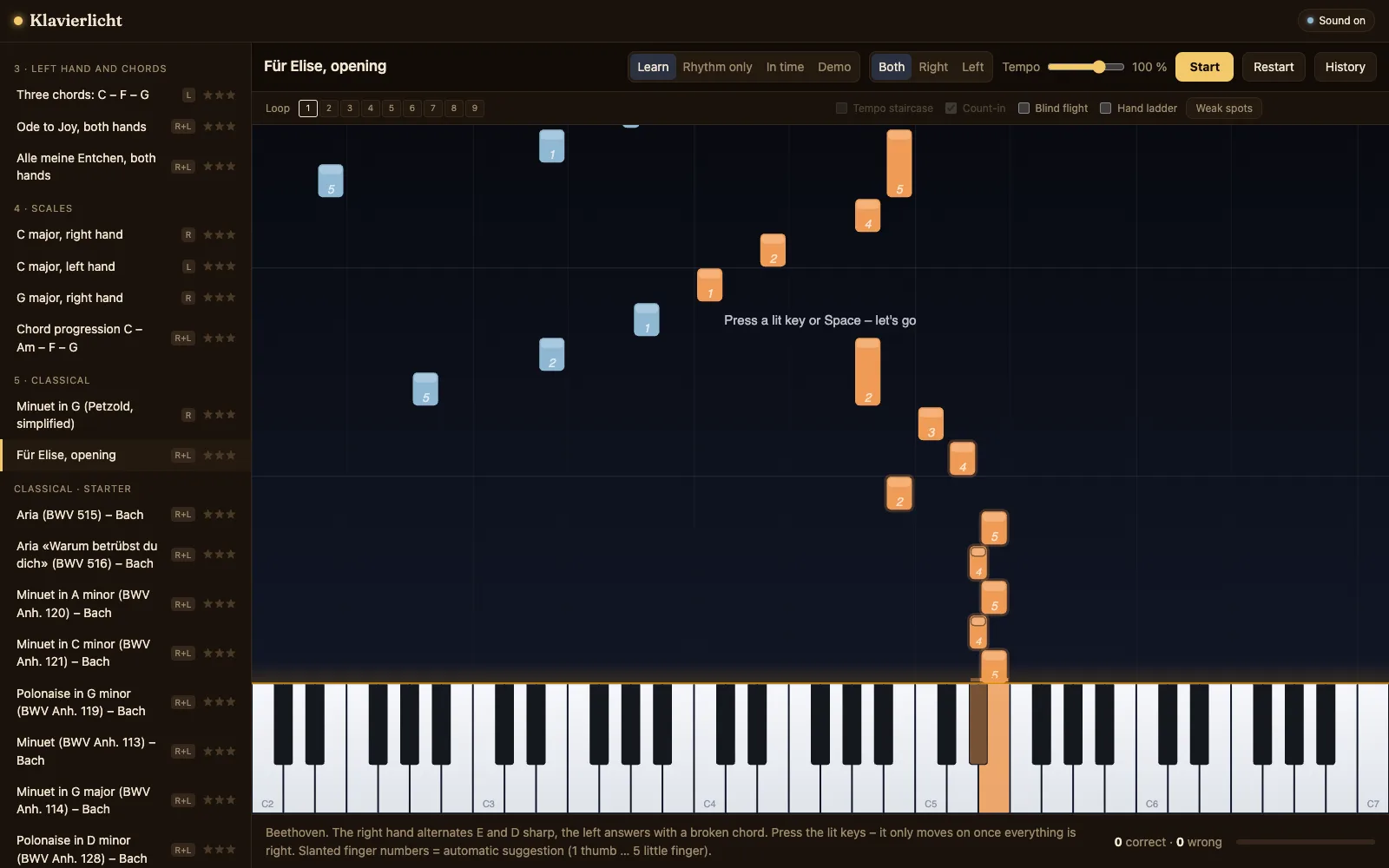
Falling light
The next key falls toward the keyboard with its finger number on it. Right hand warm, left hand cool. Play the key that lights up and the card moves on.
-
Tempo staircase
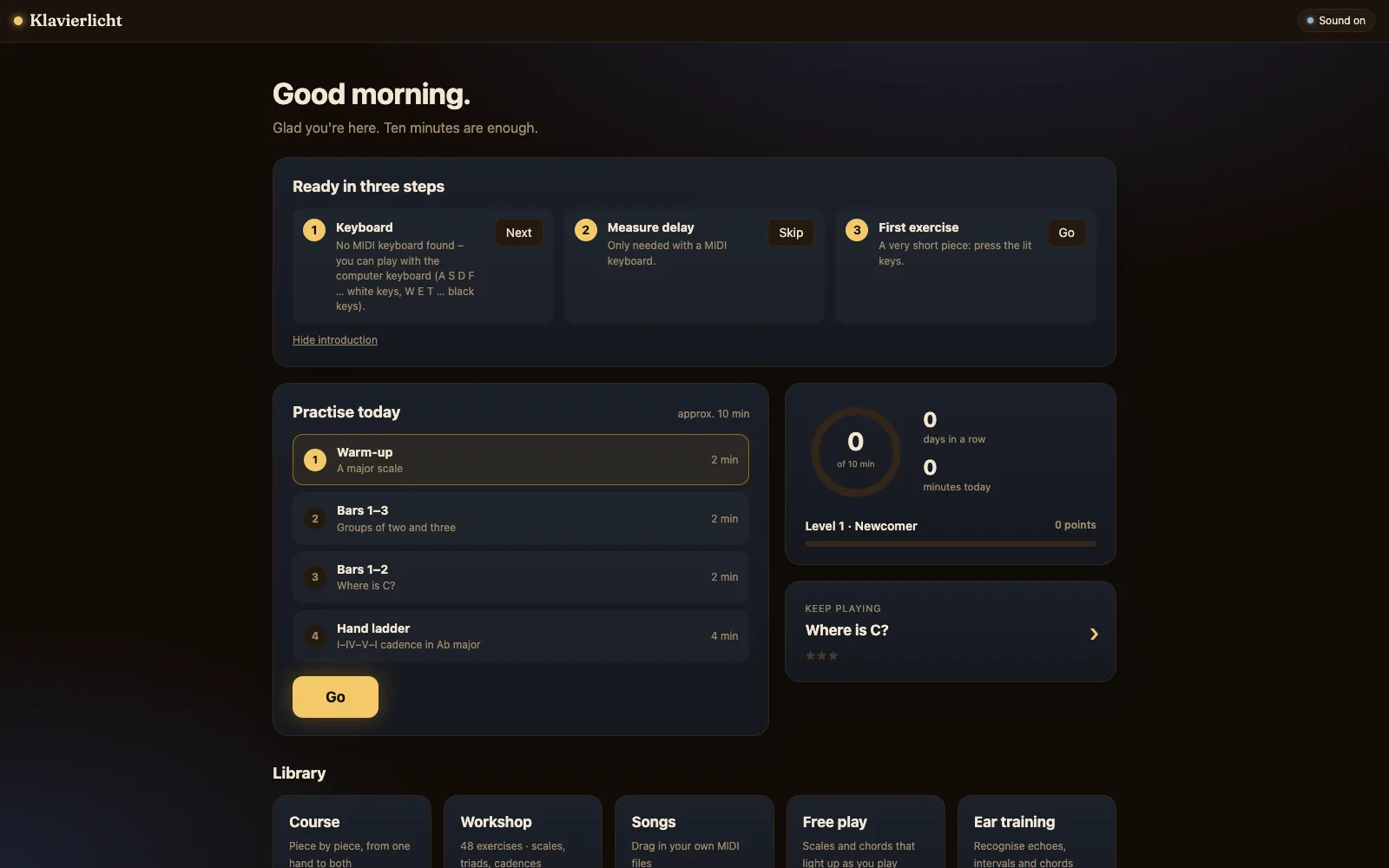
Starts slower and gets 5 % faster after each clean run, up to your tempo. The hand ladder does right hand first, then left, then both.
-
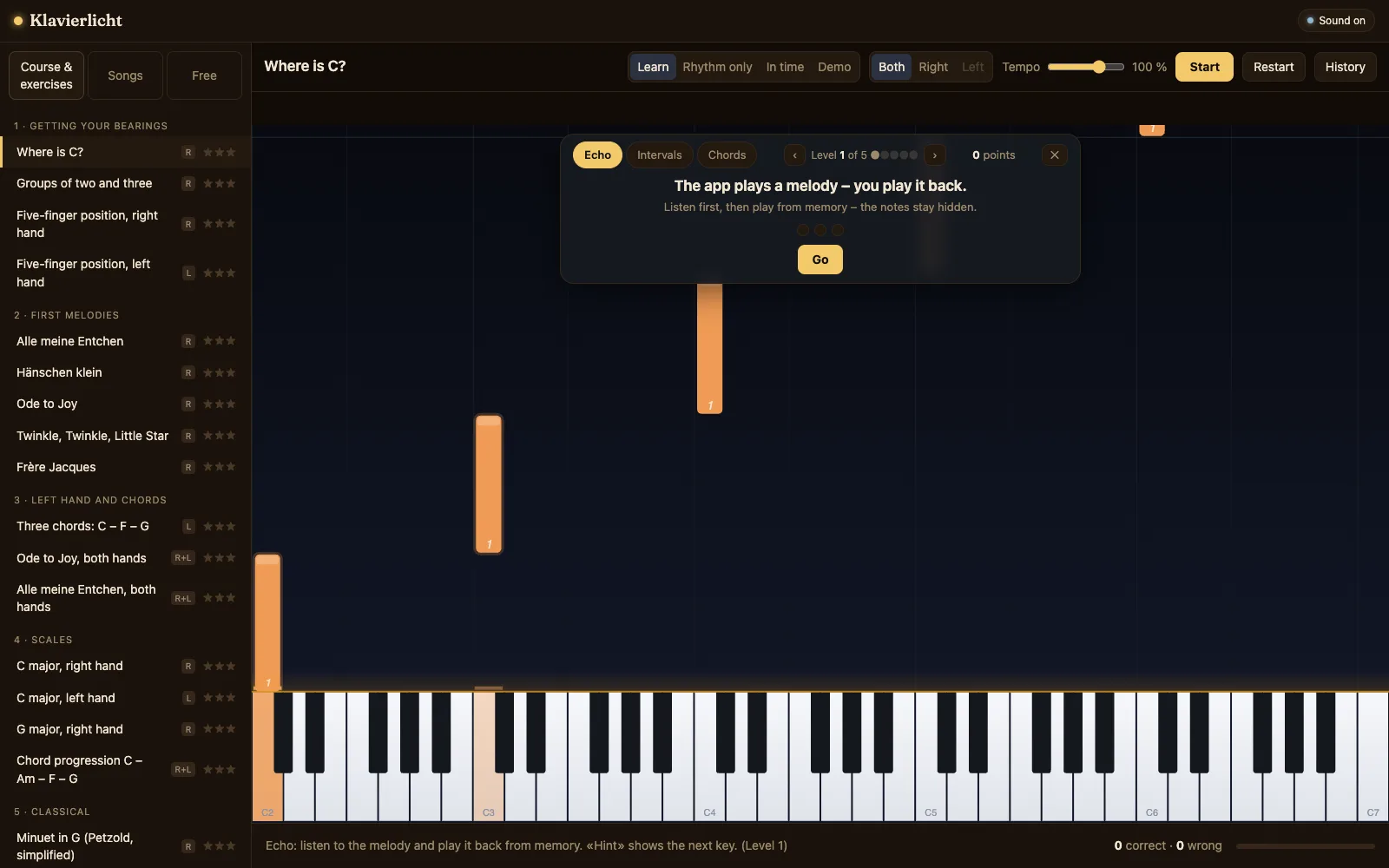
Ear training
Echo, intervals and chords: the app plays, you answer on the keys. Notes stay hidden, so you listen first.
A course, and your own music
The course starts with a few notes in one hand and works up to both hands, using folk songs and public-domain classical pieces. Want something else? Load your own MIDI files.
What you need
- Any MIDI keyboard. No keyboard yet? Try it with the computer keyboard.
- A Mac with macOS 14 or later, Apple Silicon.
- No account, no subscription. Everything stays on your Mac.
More about Klavierlicht
Klavierlicht is on the App Store for iPad and Mac. The full story lives on its own site.